Suncraft Full Release — July 28, 2026
Everything in the 1.0 Steam launch from Spicy Tuna Games—story, systems, and platform support.
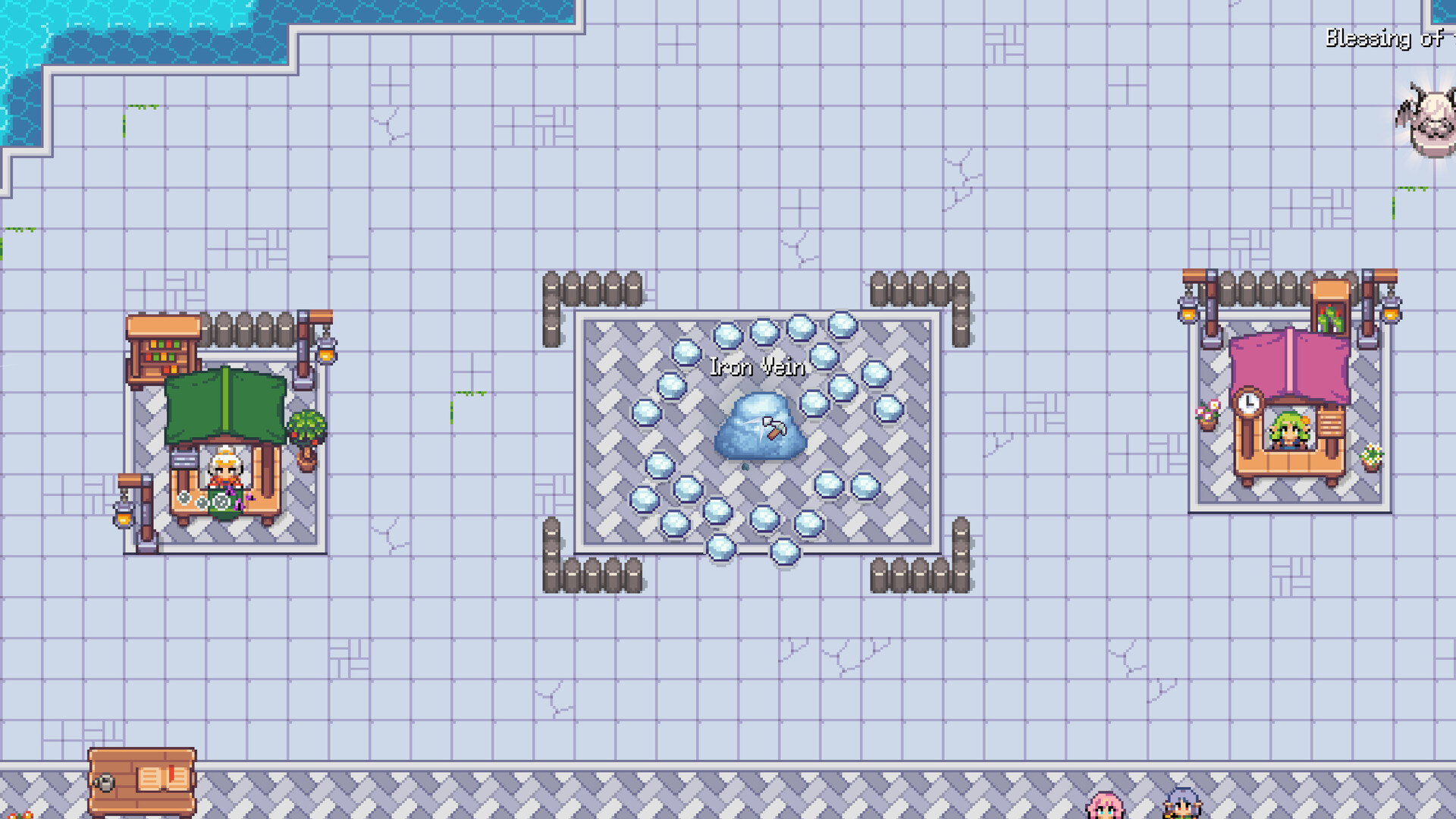
Suncraft fully released on Steam on July 28, 2026, marking the 1.0 launch of Spicy Tuna Games cozy pixel-art incremental crafting sim. After months of playtests, a public demo, and summer devlogs finalizing the release build, players can now complete the main story arc, restore the Sunspire beyond demo boundaries, and explore systems only teased in wishlist trailers—coins, requests, expanded automation, Steam achievements, and full controller support.
This article consolidates Devlog #1 (June 15, 2026) and Devlog #2 (July 12, 2026) with store page facts so you know what changed from demo day. Pair it with Demo Carryover if you import a save, and Skill Tree Revamp for mechanical context on skills and Ember.
Launch snapshot
| Detail | Info |
|---|---|
| Release date | July 28, 2026 |
| Developer / Publisher | Spicy Tuna Games |
| Platforms | Windows, macOS, Linux (Steam) |
| Genre | Adventure, Casual, Simulation |
| Demo | Separate free demo app; progress carries over |
Store page: Suncraft on Steam.
Story and content complete
Devlog #2 confirmed the main story arc is finished—quests now cover the journey through finale and credits. New story beats send players into unexplored areas with late-game mysteries Spicy Tuna intentionally kept vague in marketing so discovery stays personal. Conversations received extra lore and humor pass for a proper send-off to the village cast.
If you only played the demo, expect substantial new chapters after demo end-state blockers (such as statue material gates players reported in community threads).
Progression and equipment
The equipment page redesign ships in 1.0 with upgradeable tiers rather than dead-end crafts. Tools, serving gear, and workstations scale linearly—see Equipment Upgrades tier list for priority order.
The skill tree expanded alongside equipment, continuing the revamp philosophy: meaningful unlocks over flat stats (Skill Tree Revamp). Automation, Ember improvements, storage chests, and sprint remain central—ranked on Skill Priority.
New tools and mechanics
Banquet Table and related crafting features arrive for serving workloads tied to village requests. Fresh tools and buildings automate repetitive tasks beyond Ember alone—addressing demo feedback that manual fueling felt tedious late in sessions.
Coins and requests (Devlog #1) let you earn currency for blueprints, ingredients, and gems instead of only smelting every input. Compare coin prices against Crafting Recipes walk times before buying out materials during tram or Sunspire rushes.
New area tease
Devlog #1 advertised a mysterious new region with a secret core mechanic that “plays a massive role in improving your stats.” Devlog #2 reaffirmed brand-new locations each with distinct atmosphere. This wiki avoids spoiler specifics—explore in-game and return to Getting Started adjacent guides as we document confirmed mechanics post-launch.
Quality-of-life and platforms
Controller support is fully integrated in 1.0—gamepad handles crafting, clicking, and exploration for couch cozy sessions. Devlog #2 also highlighted:
- Extensive performance optimization
- General balancing and bug fixes
- Visual improvements and new music tracks
- Steam achievements complete set for milestone tracking
Automation and companions
Full release doubles down on helpers alongside Ember—the flame companion who auto-fuels buildings after her quest. Demo players requested more automation; 1.0 adds machines and skills so gameplay “does not feel repetitive or tedious” per developer posts. Plan layouts with Resource Chain Planner once multiple helpers run simultaneously.
What demo players should do on launch day
- Read Demo Carryover—progress and village state import.
- Launch the full game app (not demo) from Steam library.
- Open redesigned equipment page and confirm tier migrations.
- Check new quest markers before respec assumptions—story continues past demo gates.
- Revisit Early Game Builds only if layout feels broken; imported saves may already be optimized.
Relationship to earlier milestones
- Playtest (March 2026) — broad feedback on loop and stability
- Demo (April 2026) — public slice with carryover promise
- Skill tree update (February 2026 in demo) — automation focus
- 10,000 wishlists (June 2026) — community milestone
- 1.0 (July 28, 2026) — full story, areas, coins, achievements
Post-launch expectations
Spicy Tuna Games described July as hardening the “release build” with optimization—not feature freeze forever, but stability first. Watch Updates hub for balance patches affecting furnaces, coins, or skill costs. Launch week is the best time to sync wiki tier lists with your lived experience and report major discrepancies.
Quick start links after install
- New player: Getting Started
- Skill spending: Skill Priority and Skill Tree guide
- Crafting math: Crafting Recipes
- Patch history: Updates hub
Frequently Asked Questions
Quick answers to the most common questions.
What time did Suncraft release on July 28, 2026?
Steam unlock times vary by region. Check your library countdown or store page for local unlock.
Is the demo removed after full launch?
The demo remains a separate Steam app for new players to try. Existing demo saves carry forward—see Demo Carryover.
Does full release require replaying the tutorial?
Imported demo saves should continue your village. Brand-new saves still onboarding flow—follow Getting Started.
Are achievements retroactive on imported saves?
Steam achievements typically unlock when conditions met after integration. Play naturally; some may pop immediately on load if criteria already satisfied.
Can I use a controller on day one?
Yes. Devlog #2 confirmed full gamepad support for crafting and exploration in the 1.0 build.
Where do coins first appear in progression?
Full-release economy features unlock as village requests expand—exact beat varies by quest order; watch NPC request boards after early demo content.